
子比美化 第2页
子比主题美化相关教程
2026-02-15
100积分
2026-02-27
5
2026-03-12
免费
2025-12-13
SVIP可见
子比主题 – 外链Go页面样式代码(共十五款)-识趣者资源
2025-12-13
评论可见
子比主题 – 自带弹窗美化样式-识趣者资源
2025-12-15
评论可见
子比主题 – 首页搜索栏按钮&透明边框美化-识趣者资源
2026-01-16
免费
子比主题拓展插件-用户中心拓展-识趣者资源
2026-01-25
788积分
子比主题美化 – 文章自定义前缀(优化+)-识趣者资源
2026-01-28
评论可见
子比主题-动态背景美化-识趣者资源

子比主题-动态背景美化

一成不变的白色背景是不是看腻了?那今天我们来更换一下网页背景吧,还是动态的哦~ 效果预览 使用步骤 JS代码 [hidecontent type="reply"] <div id="bubble"></div> <script>class BGBubble{constructor(i){this.defaultOpts={id:"",num:100,start_probability:.1,radius_min:1,radius_max:2,radius_add_min:.3,radius_add_max:.5,opacity_min:.3,opacity_max:.5,opacity_prev_min:.003,opacity_prev_max:.005,light_min:40,light_max:70,is_same_color:!1,background:"#f1f3f4"},"[object Object]"==Object.prototype.toString.call(i)?this.userOpts={...this.defaultOpts,...i}:this.userOpts={...this.defaultOpts,id:i},this.color=this.random(0,360),this.bubbleNum=[],this.requestAnimationFrame=window.requestAnimationFrame||window.mozRequestAnimationFrame ||window.webkitRequestAnimationFr ame||window.msRequestAnimationFrame,this.cancelAnimationFrame=window.cancelAnimationFrame||window.mozCancelAnimationFrame}random(i,t){return Math.random()*(t-i)+i}initBubble(i,t){const a=window.innerWidth,s=window.innerHeight,n=this.userOpts,e=this.random(n.light_min,n.light_max);this.bubble={x:this.random(0,a),y:this.random(0,s),radius:this.random(n.radius_min,n.radius_max),radiusChange:this.random(n.radius_add_min,n.radius_add_max),opacity:this.random(n.opacity_min,n.opacity_max),opacityChange:this.random(n.opacity_prev_min,n.opacity_prev_max),light:e,color:`hsl(${t?i:this.random(0,360)},100%,${e}%)`}}bubbling(i,t,a){!this.bubble&&this.initBubble(t,a);const s=this.bubble;i.fillStyle=s.color,i.globalAlpha=s.opacity,i.beginPath(),i.arc(s.x,s.y,s.radius,0,2*Math.PI,!0),i.closePath(),i.fill(),i.globalAlpha=1,s.opacity-=s.opacityChange,s.radius+=s.radiusChange,s.opacity<=0&&this.initBubble(t,a)}createCanvas(){this.canvas=document.createElement("canvas"),this.ctx=this.canvas.getContext("2d"),this.canvas.style.display="block",this.canvas.width=window.innerWidth,this.canvas.height=window.innerHeight,this.canvas.style.position="fixed",this.canvas.style.top="0",this.canvas.style.left="0",this.canvas.style.zIndex="-1",document.getElementById(this.userOpts.id).appendChild(this.canvas),window.onresize=(()=>{this.canvas.width=window.innerWidth,this.canvas.height=window.innerHeight})}start(){const i=window.innerWidth,t=window.innerHeight;this.color+=.1,this.ctx.fillStyle=this.defaultOpts.background,this.ctx.fillRect(0,0,i,t),this.bubbleNum.length<this.userOpts.num&&Math.random()<this.userOpts.start_probability&&this.bubbleNum.push(new BGBubble),this.bubbleNum.forEach(i=>i.bubbling(this.ctx,this.color,this.userOpts.is_same_color));const a=this.requestAnimationFrame;this.myReq=a(()=>this.start())}destory(){(0,this.cancelAnimationFrame)(this.myReq),window.onresize=null}}const bubbleDemo=new BGBubble("bubble");bubbleDemo.createCanvas(),bubbleDemo.start();</script> [/hidecontent]
识趣资源的头像-识趣者资源
至尊会员
识趣资源· 1个月前
2026-02-03
评论可见
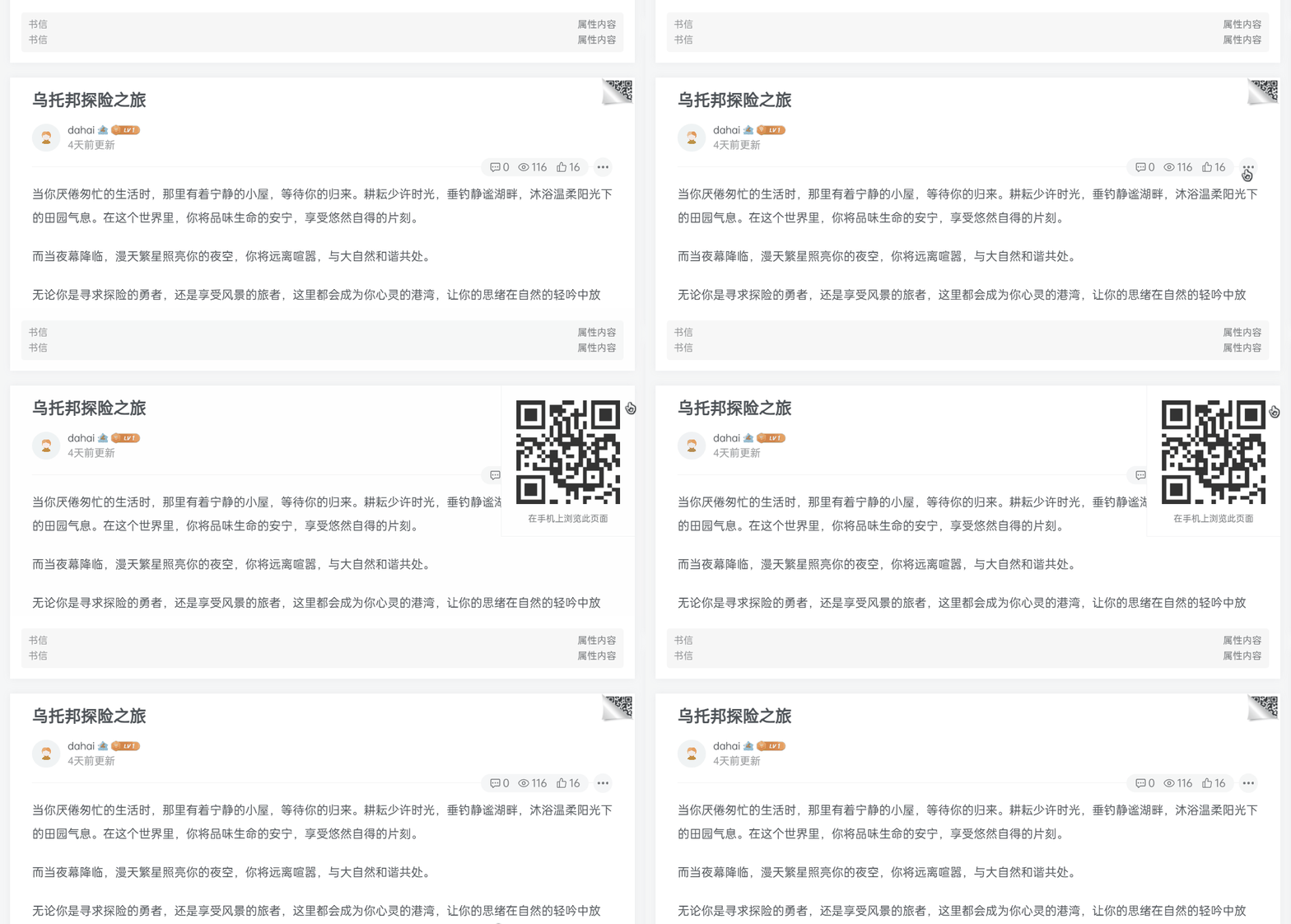
子比主题-文章右上角显示当页二维码「手机浏览」-识趣者资源
2026-02-07
评论可见
子比美化-给文章标题文字添加彩色渐变效果-识趣者资源
2026-02-20 2026-02-27
2
2025-11-24
500积分
评论可见
子比美化-底部横向统计模块-识趣者资源
2025-12-13
评论可见
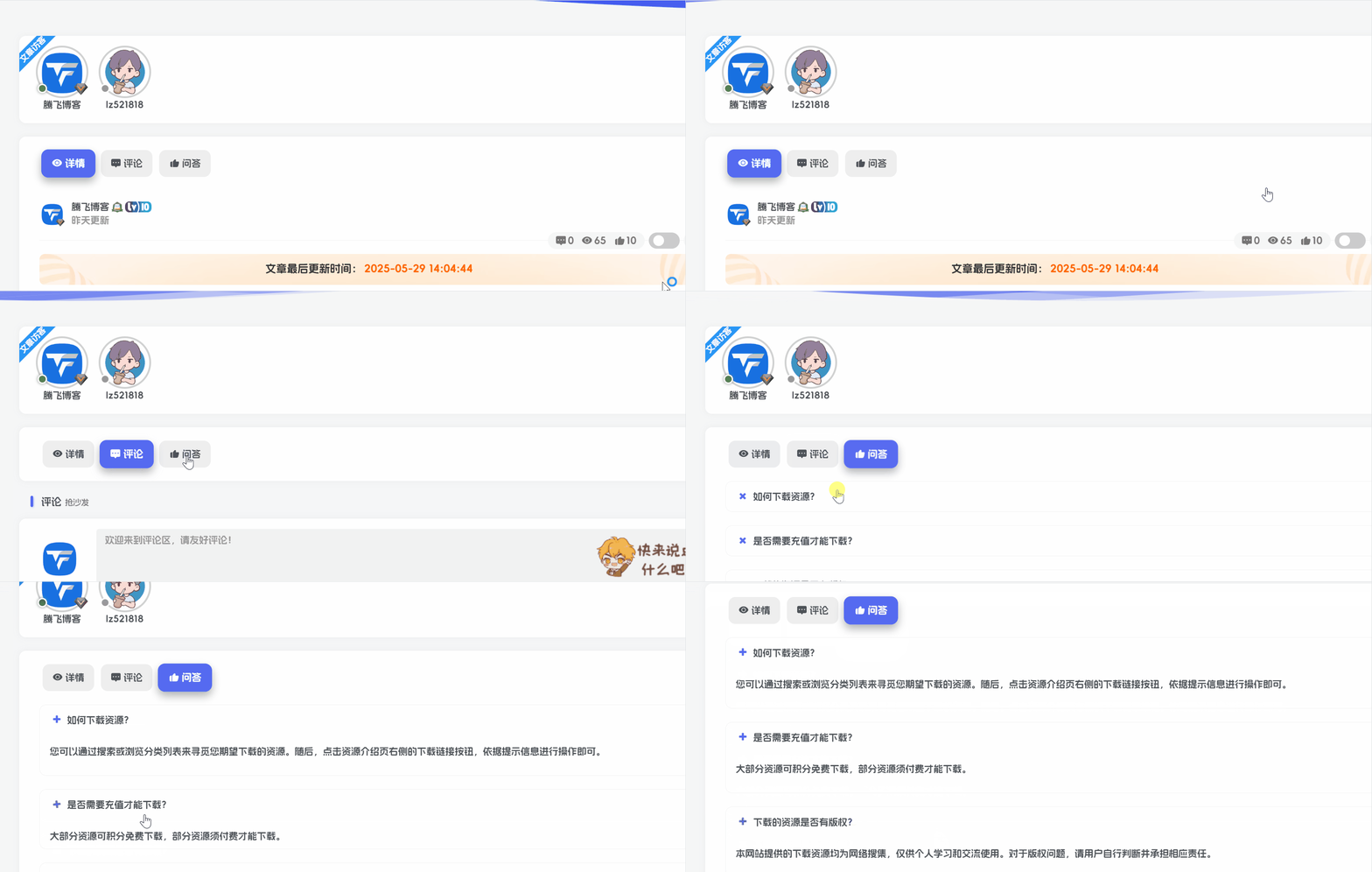
子比主题 – 文章详情页带Tab切换美化-识趣者资源